Digital Noon Reports
Turns the reports your crew already sends into structured records and dashboards.
Explore Digital Noon Reports
Reporting Automation
Your crew already sends the reports your fleet relies on. Turn those emails, reported values, and operational remarks into structured information that shore teams can review and use, with less repetitive copying between systems.
Keep your crew’s existing report formats.
The operational challenge
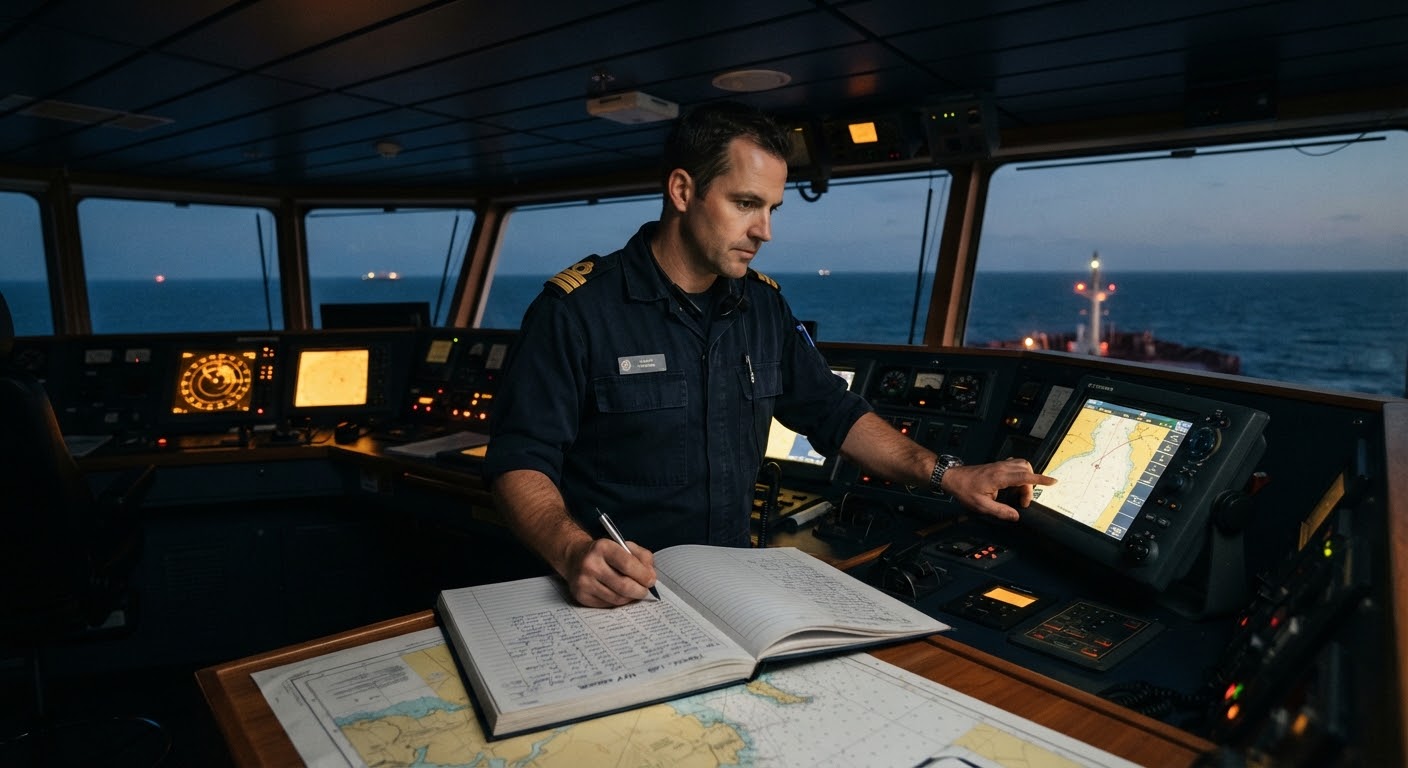
Reports arrive in familiar formats, but shore teams still spend time copying figures, checking inconsistencies, and preparing summaries. Build a workflow that starts with the reports your crew already provides.
“Summarize the machinery issues mentioned in this week’s noon reports.”
Crew & Shore Context
Onboard officers and shore operations
Crew continue with familiar emails and reporting formats while shore teams gain a more consistent way to work with the information.
A practical workflow
A practical reporting workflow built around your existing ship-to-shore communications.
Illustrative example · The workflow depends on your available data and setup.
Start with the emails, noon reports, and operational remarks your vessels already provide.
Example input
Organize supplied reporting data so shore teams can review values and the context in crew comments.
Structured information
Bring missing or inconsistent information to the team’s attention for checking and clarification.
Example review flag
Review dashboards and optionally connect Chat with Your Vessel to ask questions about reporting records.
Example question
Operational value
Reduce the work of moving reported figures from emails and attachments into information that shore teams can review and use.
Give technical managers and operations teams a structured view of reported values, with missing or inconsistent entries surfaced for review.
Keep operational observations available alongside reporting data so the team can explore the context behind the numbers.
Tools for your team
Your available data sources and the task you want to improve determine the right starting point and product combination.
Turns the reports your crew already sends into structured records and dashboards.
Explore Digital Noon ReportsAdds conversational exploration and summaries of the reporting information you connect.
Explore Chat with Your VesselTell us about your existing report formats and how your shore team handles them. We’ll help you identify a practical starting point.
Cookie preferences
We use strictly necessary storage for site operation and optional categories for experience, measurement, and marketing. Choose what Gelectric can use, and update it any time from Cookie Settings in the footer.